
PrestaShop redesign: where should you start?
Audit, theme, data migration, 301 redirects, testing and post-launch monitoring: how to redesign a PrestaShop store without breaking SEO.
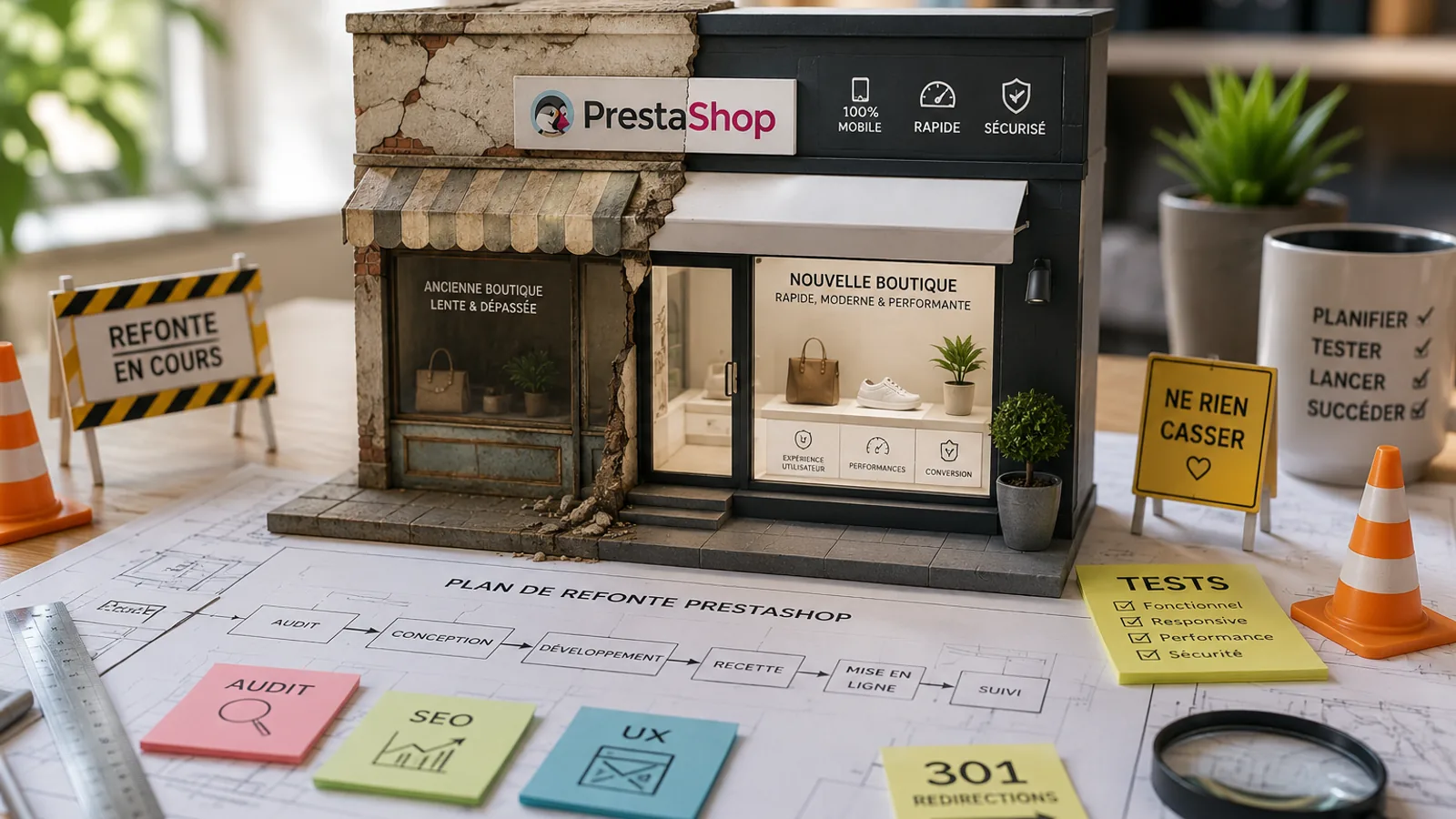
Article summary
- When should you redesign? When your theme becomes incompatible with PrestaShop 8/9, your Core Web Vitals are in the red, or your conversion rate drops without a clear marketing explanation.
- Key steps: full audit, theme choice, data migration, 301 redirects, testing, launch and post-launch monitoring.
- What you must not miss: 301 redirects. This is the part many merchants underestimate, and the one that costs the most when it is rushed.
What does a PrestaShop redesign really mean?
A redesign is not just “changing the design”. It means rethinking all or part of your store: structure, code, content, user experience, SEO, performance and future maintenance.
The goal is not to make the website prettier for the sake of it. The goal is to build a faster, safer, easier-to-maintain and more effective store.
Visual redesign vs technical redesign
Visual redesign: you change the look, theme, visual identity and layout without deeply changing the technical base or the data. It is faster and less risky, but it does not always fix the underlying issues.
Technical redesign: you work on the code, PrestaShop version, URL architecture, modules, performance and sometimes the server. It is longer and more structural, and it becomes risky if the project is not prepared properly.
In practice, both often happen together. Changing the theme without reviewing the PrestaShop version, modules and SEO usually just postpones the real problem.
Partial redesign vs full redesign
Partial redesign: you focus on one or two specific issues, such as speed, checkout or product pages. It costs less, moves faster and can be enough when the technical base is healthy.
Full redesign: you rebuild on a cleaner foundation: new PrestaShop version, new theme, new architecture and a cleaner SEO base. This becomes necessary when the existing store is too old or too fragile to be corrected safely.
My advice: if you are still on PrestaShop 1.6 or 1.7 with a theme built several years ago, a full redesign is often unavoidable in the medium term.
Signals that it is time to redesign
- Mobile PageSpeed score below 50
- Theme not compatible with PrestaShop 8 or 9
- Conversion rate declining for months without a clear marketing reason
- Modules that no longer receive updates
- Current provider no longer able to work cleanly on the code
- Store hard to read or use on mobile
- Quick fixes piling up until every change becomes risky
The 5 main reasons to redesign a PrestaShop store
Poor performance: speed and Core Web Vitals
This is often the main reason. A slow store costs sales. Field data shows that additional loading time can reduce conversion.
Core Web Vitals, such as LCP, INP and CLS, are important signals for user experience and SEO. Slow main content, delayed interactions or unstable layouts all hurt both users and search visibility.
Aging themes often accumulate unnecessary JavaScript, poorly prepared images, active but unused modules and cascading SQL queries. At some point, you can no longer just “optimize”: you need to rebuild.
If you want to go deeper before making a decision, read the guide on PrestaShop optimization.
Outdated or incompatible theme
A theme built for PrestaShop 1.7 is not automatically compatible with PrestaShop 8, and even less with PrestaShop 9 without work. Some themes have compatible versions that can be updated properly. Others need to be adapted or replaced.
The real question is not only “does my theme still work?”. The better question is: can this theme still evolve cleanly for the next few years?
Declining conversion rate
An outdated checkout, a product page that reads poorly on mobile, a long checkout flow or unclear reassurance messages eventually make buyers leave.
With a major part of e-commerce traffic on mobile, a design built mainly for desktop is no longer enough.
UX redesign is often where ROI appears fastest: clearer product pages, smoother cart, better placed reassurance and simplified checkout.
SEO redesign: URLs and internal linking
Sometimes the redesign is mainly SEO-driven: restructuring categories, improving internal linking, cleaning canonical URLs, reducing duplicate content from filters or reorganizing pages that generate traffic.
Warning: changing URLs without a 301 redirect plan is a guaranteed problem. This is often the most important part of the whole project.
Moving to a major PrestaShop version
Moving from PrestaShop 1.7 to 8, or preparing a future move to PrestaShop 9, often feels more like a redesign than a simple update.
You need to check modules, theme, data, URLs, SEO, performance and server environment. The full method is detailed in the guide to migrating PrestaShop 1.7 to 8.
Steps for a successful PrestaShop redesign
1. Audit the existing store: technical, SEO and UX
Before touching anything, map the existing store.
- Technical audit: PrestaShop version, PHP version, active modules, technical debt, theme, server
- SEO audit: full crawl, traffic-driving pages, backlinks, URL structure, indexation
- UX audit: user journey, blocking pages, checkout flow and mobile behavior
This phase determines what can be kept, what must be fixed and what needs to be rebuilt. Skipping it means redesigning blindly.
2. Choose the new theme or custom development
| Option | Indicative budget | Best for |
|---|---|---|
| Market premium theme | €100 to €300 + integration | Small stores, tight budget |
| Child theme based on Classic, Hummingbird or a compatible premium theme | €2,000 to €5,000 excl. VAT | Clean base, controlled customization |
| Custom theme | €5,000 to €10,000 excl. VAT | Stores with strong specific needs |
Field advice: a good premium theme, such as Warehouse or another serious theme that supports child themes, can work very well if the base is clean. The important point is not to oppose premium themes and custom themes, but to choose a maintainable, PrestaShop-compatible and reasonably lightweight foundation.
Always test the theme demo with PageSpeed Insights before buying, while remembering that a demo does not reflect your future catalog, modules and content.
3. Data and content migration
Products, customers, orders, CMS content, reviews, images and categories must all be migrated cleanly. This is often underestimated, especially on stores with thousands of references.
Watchpoints:
- Check data consistency after import: attributes, combinations, stock
- Preserve meta titles and descriptions when they already work
- Check image generation and formats
- Test payment, shipping, ERP, CRM and marketplace modules
4. 301 redirects: the golden rule for protecting SEO
This is the part that takes the most time and that clients almost always underestimate.
On recent redesigns, this is often where the project slows down, and where mistakes are the most expensive.
The worst mistake is changing URLs without a redirect plan. Some stores can lose a large share of organic traffic in days. A small drop in the first weeks can be normal. A strong and lasting drop usually means missing or poorly tested redirects.
How to do it:
- Export every URL from the old store with Screaming Frog
- Identify pages that generate traffic or receive backlinks
- Build a mapping table from old URL → new URL
- Implement redirects before launch
- Test redirects in staging and again right after launch
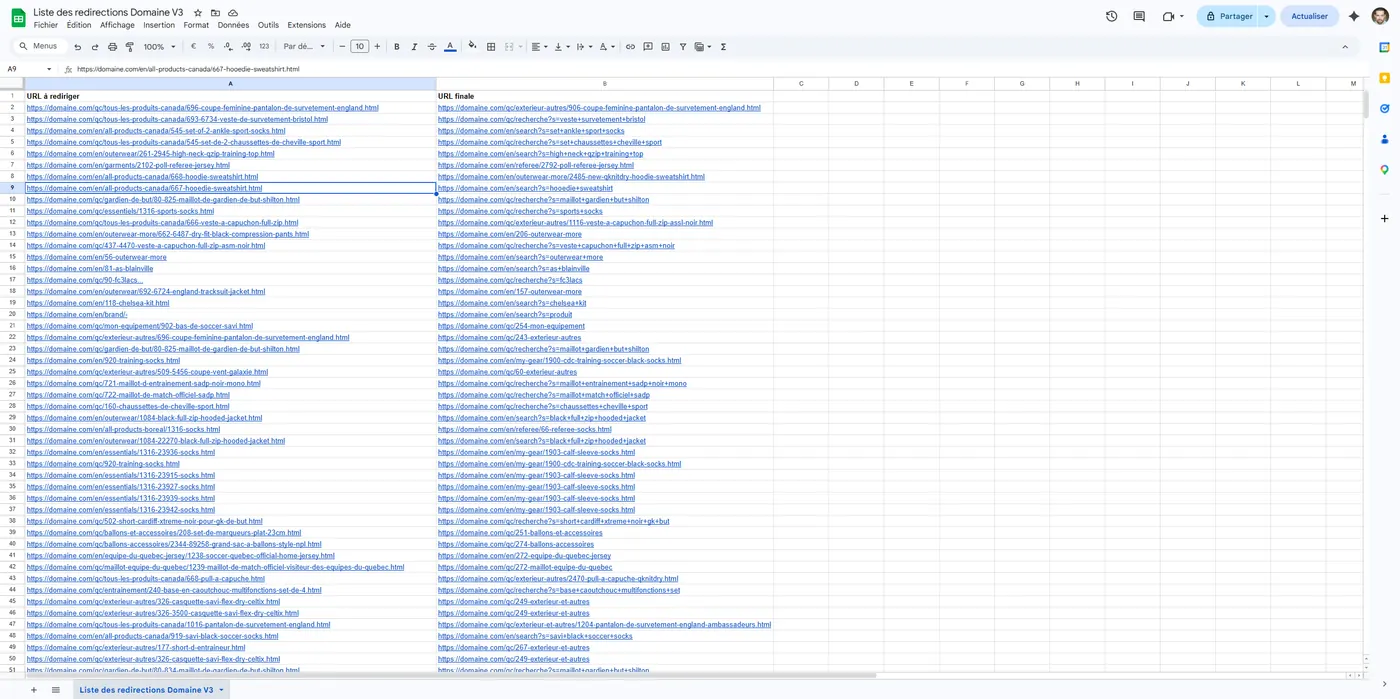
A 301 redirect transfers SEO authority from the old page to the new one. Without it, Google sees the old URL as a dead end and you lose part of the SEO work accumulated over time.
Absolute rule: one redirect per URL. Redirect chains such as A → B → C make crawling harder and can weaken the SEO signal.
5. Testing before launch
Never launch without testing:
- Key pages: home, categories, product pages, cart, checkout, confirmation
- Full checkout flow
- 301 redirects
- Meta tags, H1 tags and structured data
- Tracking codes: GA4, GTM and ad pixels
- Mobile display on several devices
Plan a few serious testing days for a medium-sized store. The important point is to reserve a real testing window, not just do a quick check between two tasks. Projects with a large catalog, ERP connection or very specific checkout flow can obviously require more.
6. Post-redesign monitoring: GSC, Analytics and uptime
Launch is not the end of the project. The first 30 days are critical.
- Google Search Console: monitor 404 errors, excluded pages and Core Web Vitals
- Google Analytics 4: compare conversions, bounce rate and behavior by page
- Uptime monitoring: receive alerts if the store goes down
If traffic drops sharply in the first weeks, check redirects, robots.txt, canonicals and important pages still generating 404s first.
To keep the store stable after launch, a PrestaShop maintenance contract is strongly recommended.
Expensive mistakes during a redesign
URLs changed without 301 redirects. This is the number one mistake. Every old URL without a redirect becomes a 404. Google loses the thread, backlinks lose value and traffic can collapse.
Redesign without an SEO audit. Without mapping the existing site, you may remove pages that generate traffic without even knowing it. I have seen stores lose their best category pages after an intuitive restructuring.
Launch without proper testing. A broken checkout, failed payment module or mobile checkout bug discovered in production costs sales and credibility.
No full backup before starting. Files and database. Before every intervention. No exception. If something goes wrong, you need to be able to return to the previous state quickly.
How much does a PrestaShop redesign cost?
Ranges vary a lot depending on complexity. Here are realistic reference points to frame the topic.
Visual redesign: price range
| Scope | Indicative budget |
|---|---|
| Premium theme + integration on a simple store | from €1,500 excl. VAT |
| Personalized child theme | €2,500 to €8,000 excl. VAT |
| Full visual redesign with UX | €4,500 to €12,000 excl. VAT |
Full technical redesign: price range
For a full e-commerce redesign, including version migration, new theme, SEO, redirects and testing, common ranges are often between €5,000 and €18,000 excl. VAT for a small or medium business. Highly custom projects can go above that.
Below €1,500, the work is usually very focused: visual adjustments, light integration or a targeted fix. When migration, SEO, redirects and full testing are involved, the budget naturally increases.
Freelancer vs agency: what really changes
| Criterion | Freelancer | Agency |
|---|---|---|
| Average day rate | €400 to €600/day | €600 to €900/day |
| Contact | Direct, responsive | Project manager + team |
| Total cost | Often more contained | Higher, but structured process |
| Risk | Depends on one person | Continuity easier to organize |
My strong opinion: in 15 years, I have seen agencies deliver catastrophic redesigns and freelancers do remarkable work, and the opposite also exists. What really matters is the ability to understand PrestaShop, SEO, business constraints and catalog reality. A successful redesign is not about company size: it is about method, experience and accountability for the result.
A specialized PrestaShop freelancer can often provide expertise equivalent to an agency, with fewer structural costs. For a redesign project, what matters is recent e-commerce references, not only showcase websites.
Maintenance should also be planned from the start. A redesign without follow-up quickly becomes new technical debt.
What I include in a redesign for my clients
Here is my real checklist, the one I use on every PrestaShop redesign project.
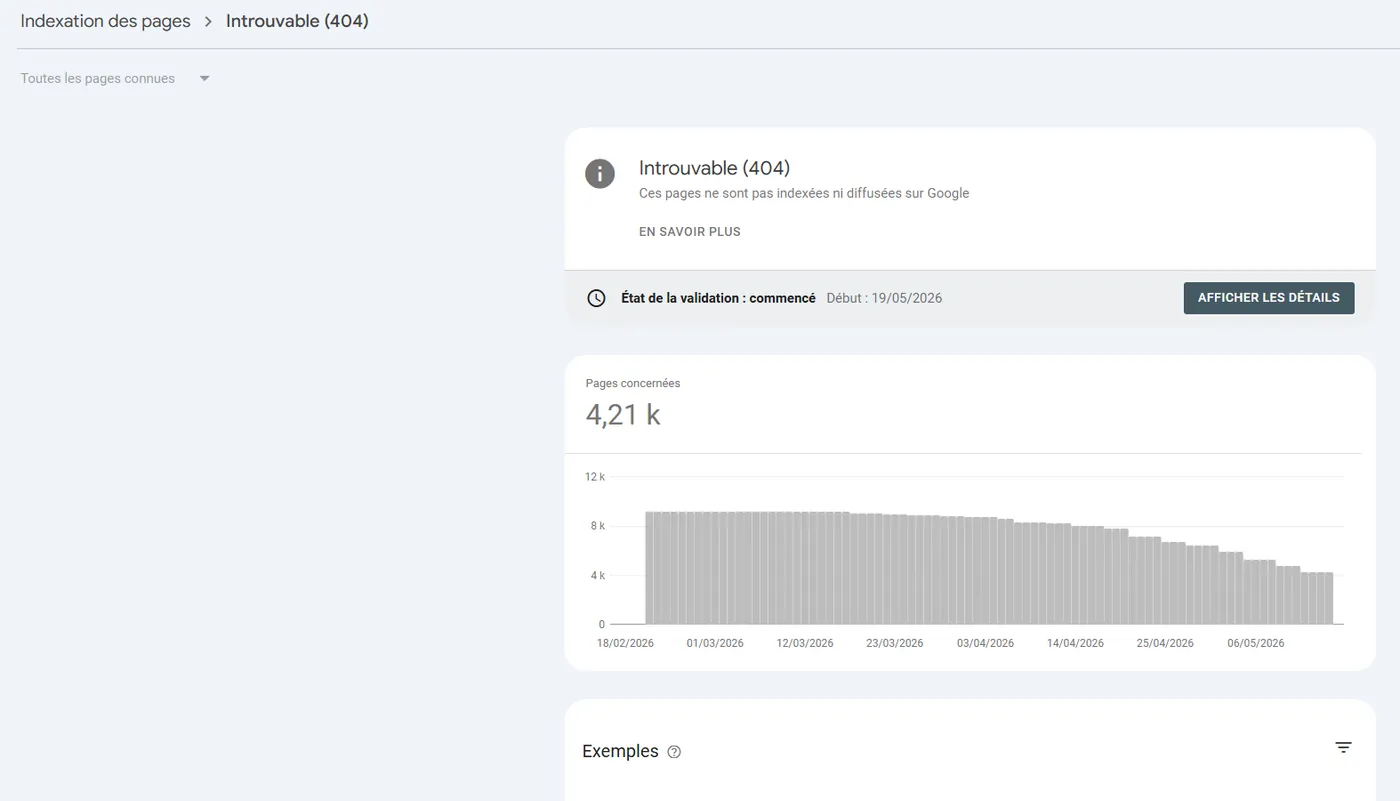
My 20-point PrestaShop redesign checklist
Phase 1: Audit
- Full crawl of the old store
- Export URLs with traffic and backlinks
- Core Web Vitals audit
- Inventory of active modules and compatibility checks
- UX audit of the user journey
Phase 2: Preparation
- Validated functional brief
- Theme choice or custom development brief
- 301 redirect plan
- Noindexed staging environment
- Full backup of the existing store
Phase 3: Development
- Installation and configuration of the new PrestaShop base
- Theme development or integration
- Data migration
- Essential module configuration
- 301 redirect implementation
Phase 4: Testing and launch
- Full functional testing
- Redirect checks in staging
- Meta, H1 and structured data checks
- Tracking code verification
- Launch + active monitoring for the first 30 days
Specific watchpoints:
- Never launch on a Friday evening or right before a weekend
- Keep access to the old hosting for at least 30 days after launch
- Submit the sitemap to Google Search Console on launch day
To learn more about my services, see the PrestaShop service page.
My expert opinion
What is the most underestimated signal that a redesign has become unavoidable?
The most underestimated signal is when every small change becomes complicated, risky or abnormally slow. It is not spectacular at first, but it usually means the theme, modules and code have accumulated too much technical debt.
How do you handle 301 redirects on a site with thousands of products?
I start by exporting every existing URL, then I prioritize pages with traffic, backlinks or commercial value. Then I build an old URL → new URL mapping table, test it in batches, and monitor Search Console after launch.
What is the difference between a client who follows post-redesign monitoring and one who does not?
The client who monitors the post-launch period fixes 404s, indexing anomalies and conversion bugs quickly. The one who does not often discovers issues too late, after Google has already crawled part of the site and sales have started to drop.
FAQ
Will a PrestaShop redesign necessarily reduce my SEO traffic?
No. A temporary light drop can happen while Google recrawls the new store. A strong drop usually indicates a serious problem: missing redirects, bad robots.txt configuration, inconsistent canonicals or important pages removed.
How long does a PrestaShop redesign take?
For a small store, 4 to 8 weeks is common. For a medium-sized store, 8 to 12 weeks is more realistic. Large or highly custom projects can take several months, especially when the redirect plan is large.
Should I redesign on PrestaShop 8 or move directly to PrestaShop 9?
For an existing store, PrestaShop 8 is often the more cautious target if the module ecosystem is not ready for PrestaShop 9 yet. For a new project or a very deep redesign, PrestaShop 9 can be considered, but only after auditing the required modules.
Can a redesign be done without downtime?
Yes. The redesign is prepared on a staging environment, which is a working copy not indexed by Google. The current store remains online during development. The final switch is then done during a controlled launch window.
Should I change hosting during a redesign?
Not necessarily, but it is often the right time to check whether the current hosting is still suitable. If the server limits performance, PHP version, backups or stability, it is better to fix it during the redesign than rebuild on a fragile foundation.
Interactive calculator
How much could your PrestaShop redesign cost?
Choose your catalog size and the type of redesign you are considering to get a first realistic budget range.
Estimated freelance budget
Indicative timeline
Indicative estimate to frame a first discussion. Module licences, advanced mockups, custom development and ERP/CRM integrations can change the real budget.
Discuss my PrestaShop redesign